
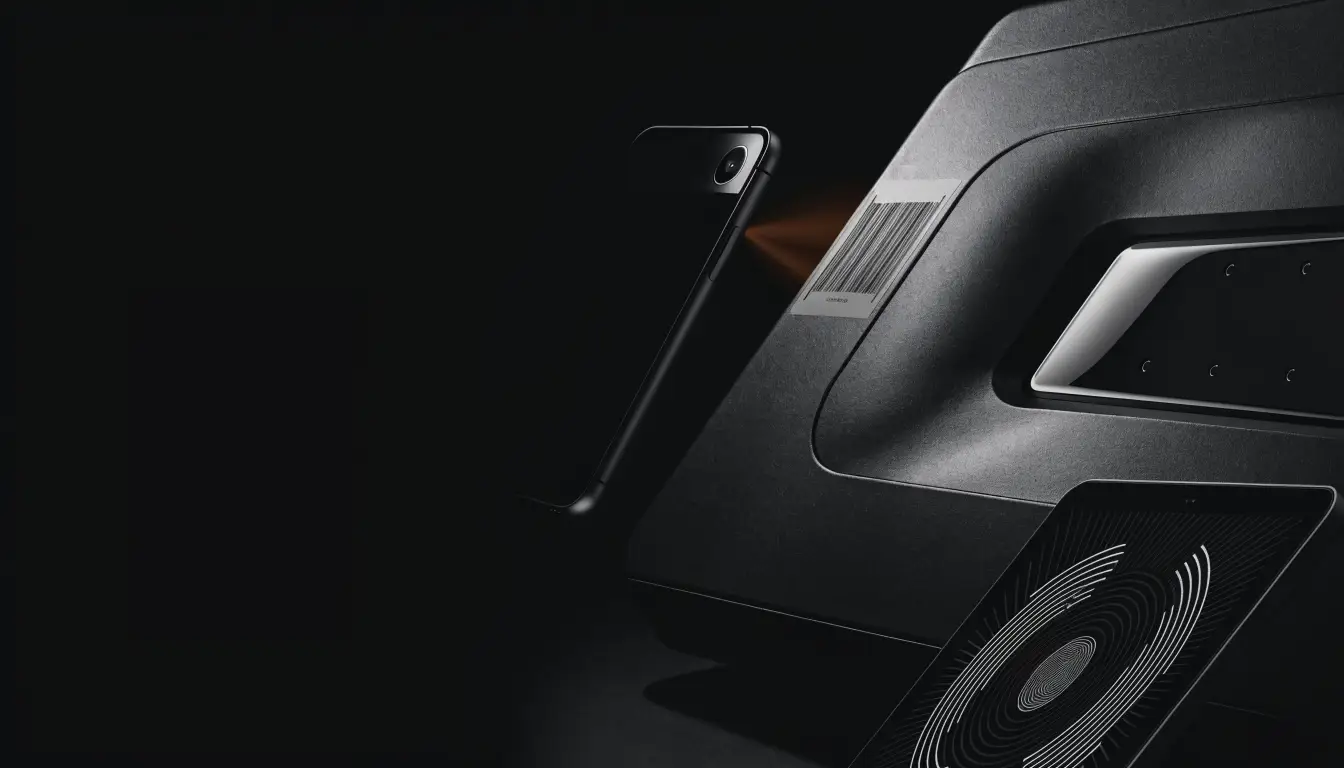
Find your radio code
Free for vehicle and radio owners, with no account needed.
Choose the exact family and enter the serial from the radio label.
Other free tools: browse parts by OEM reference.
Where to find your radio serial number
Check the label on the radio or the vehicle handbook. Serial formats vary by radio family. The classic Renault/Dacia pre-code tool needs one letter and three digits from the unit, not the vehicle registration or VIN. Ask a qualified installer if the radio needs removing.
Frequently asked questions
How do I find my car radio serial number?
Check the label on the radio or the vehicle handbook. Serial formats vary by radio family. The classic Renault/Dacia pre-code tool needs one letter and three digits from the unit, not the vehicle registration or VIN. Ask a qualified installer if the radio needs removing.
Is the Spare Car Part radio code service really free?
Yes. Vehicle and radio owners can check an exact family and serial without creating an account. If there is no exact match, use the vehicle manufacturer's official support or an authorised dealer.
What happens if there is no exact match?
Check the serial again, then use the vehicle manufacturer's official support or an authorised dealer with proof of ownership. We do not guess codes.
Does every listed brand have an instant code?
No. Five listed families use exact stored-code lookup. Classic Renault/Dacia PRE-CODE also supports calculation for one letter and three digits, excluding A0 prefixes. This does not cover every Renault/Dacia radio or multimedia system.